Log your set. Rest. Repeat. Without leaving the gym floor.
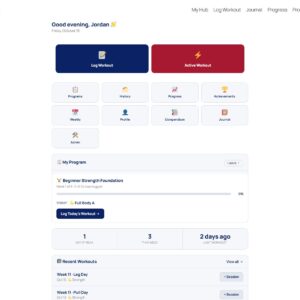
Active Workout Mode turns LiftPress into a real-time, gym-ready training companion. Big buttons, one thumb, rest timers that keep you moving. You train, it tracks, and the finished session lands in your LiftPress journal automatically.
- Built for one-handed use
- Works on any phone
- Requires the LiftPress plugin
Most people stop logging the moment they walk into the gym. Full workout builders are made for a desk, not a bench between sets with sweaty hands and 45 seconds of rest.
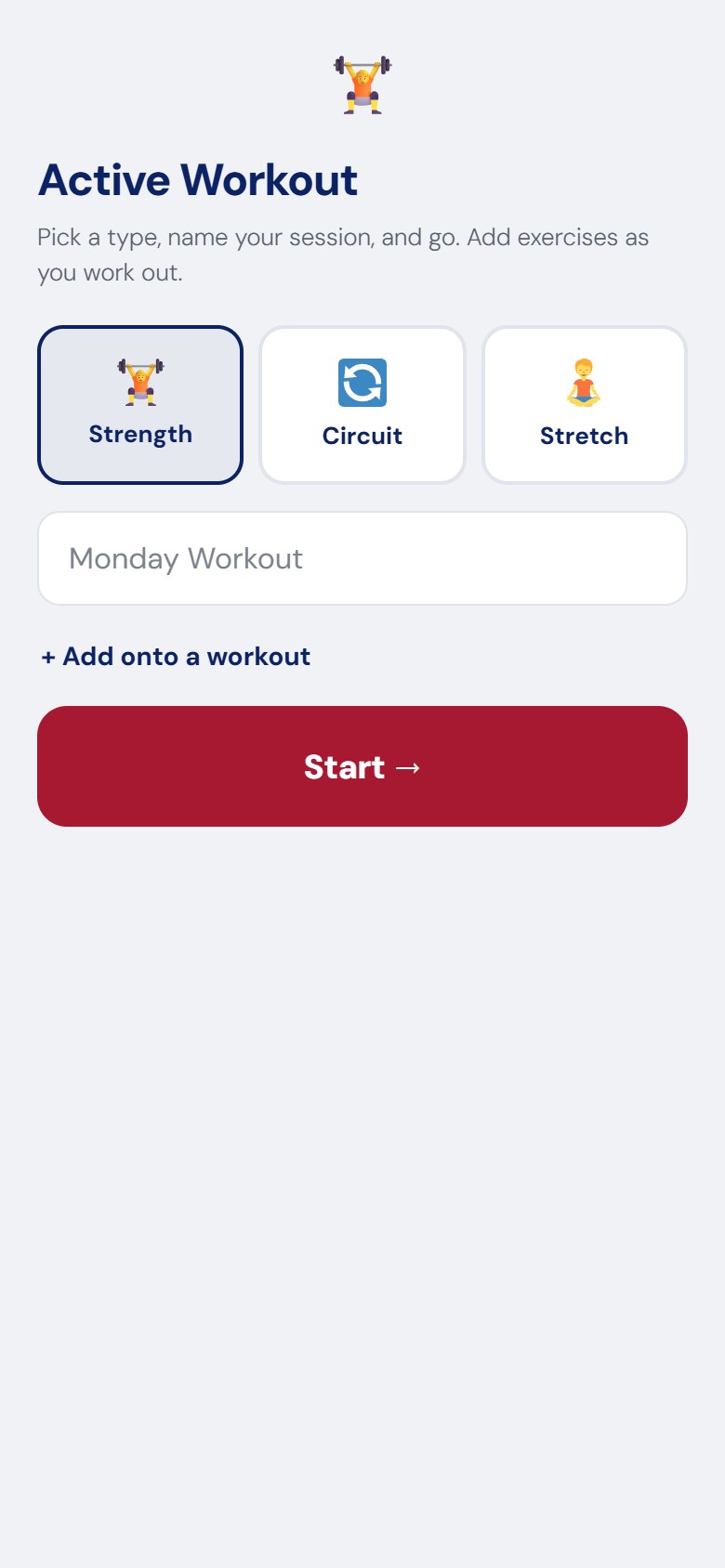
Active Workout Mode is the opposite. It is a clean, full-screen, app-like experience that loads right on your own WordPress site. Pick a type, name your session, and start moving. Add exercises as you go, log each set in two taps, and let the rest timer count you down. When you finish, everything you just did is saved as a proper LiftPress entry, with your mood, recovery, notes, and even a vlog link.
How it works
1. Start in seconds Choose Strength, Circuit, or Stretch, give the session a name, and tap Start. That is the entire setup.
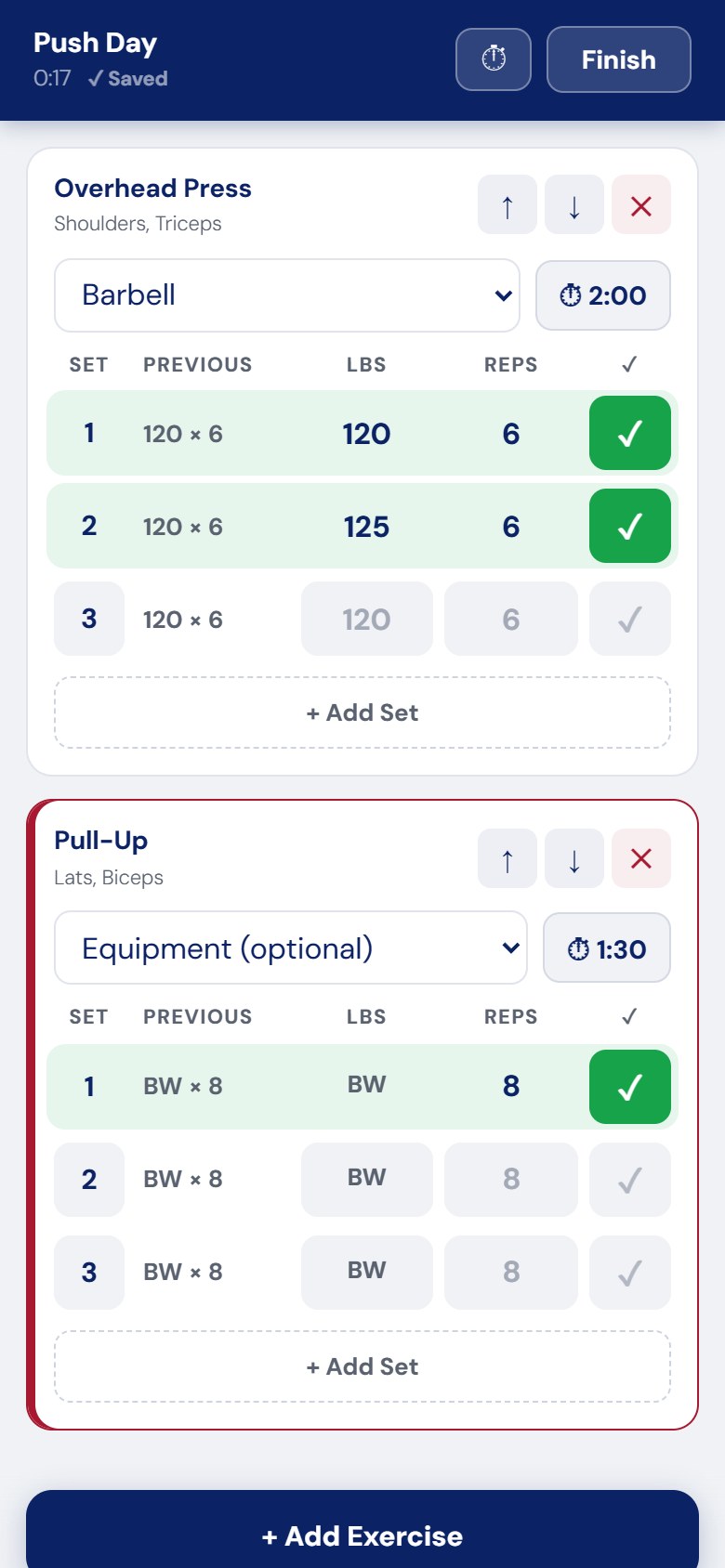
2. Log as you lift Search 400+ exercises or browse by muscle group. Log weight and reps, timed holds, or bodyweight sets with a couple of taps. The rest timer starts on its own and stays out of your way.
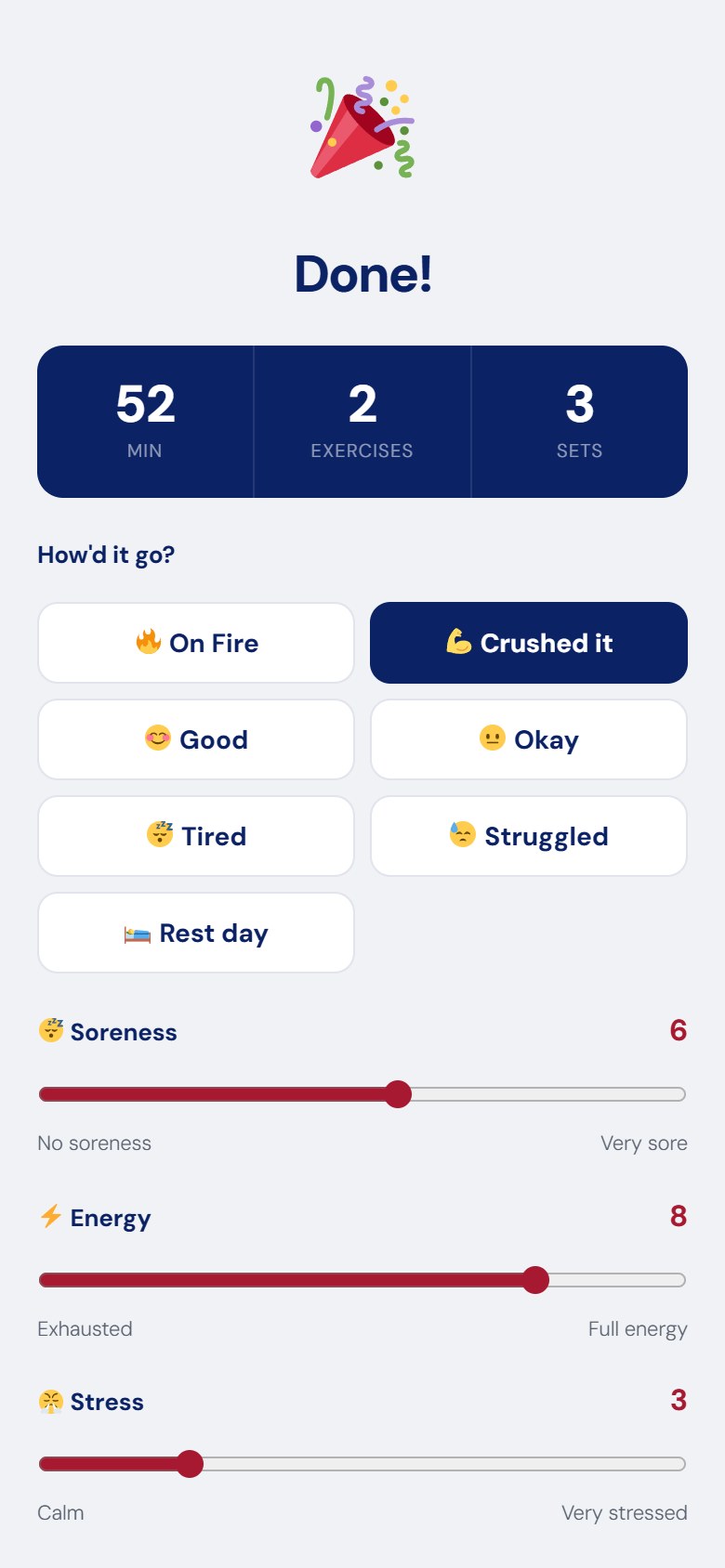
3. Finish and it is saved Rate how it went, set your soreness, energy, and stress, drop in notes or a YouTube vlog, and hit Save. Your workout becomes a published LiftPress entry, ready to view and track.
Features
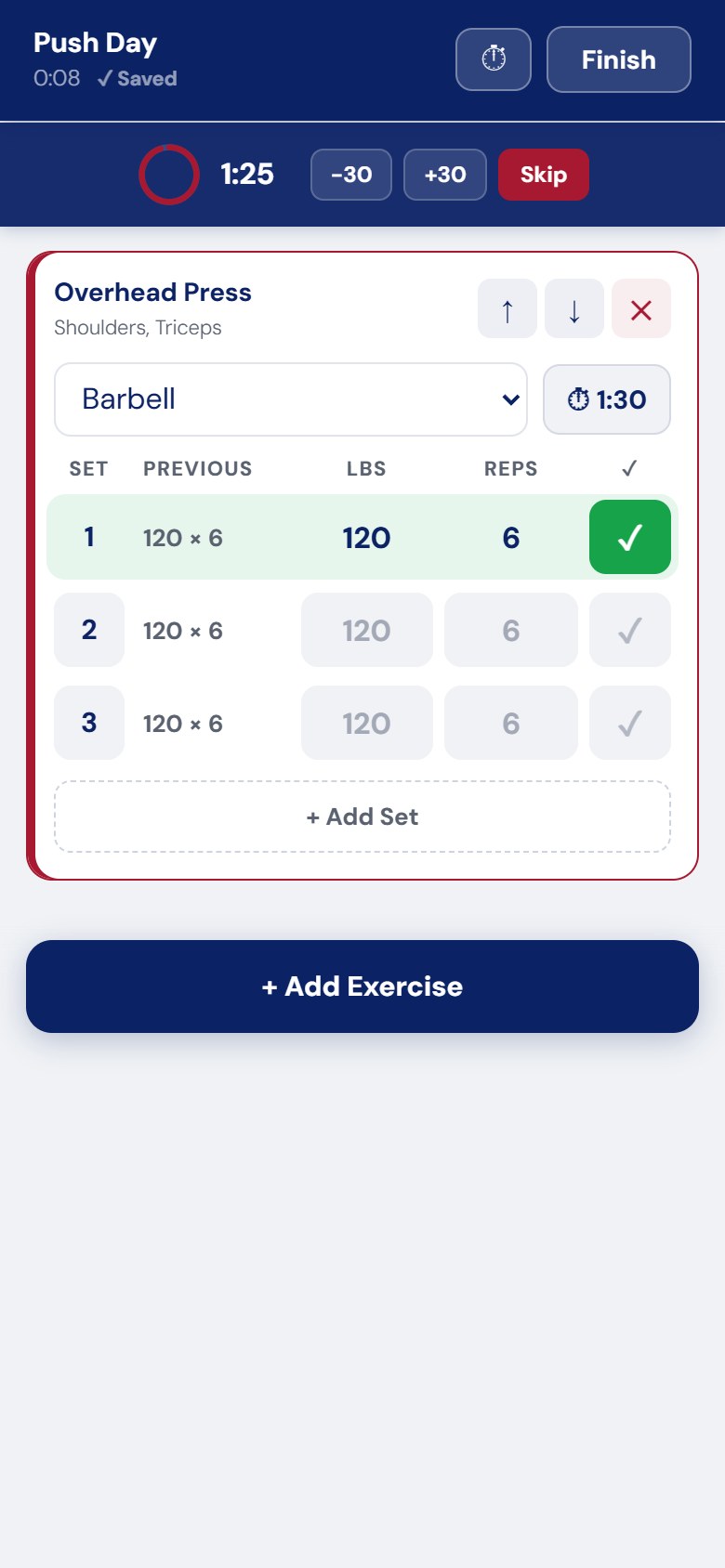
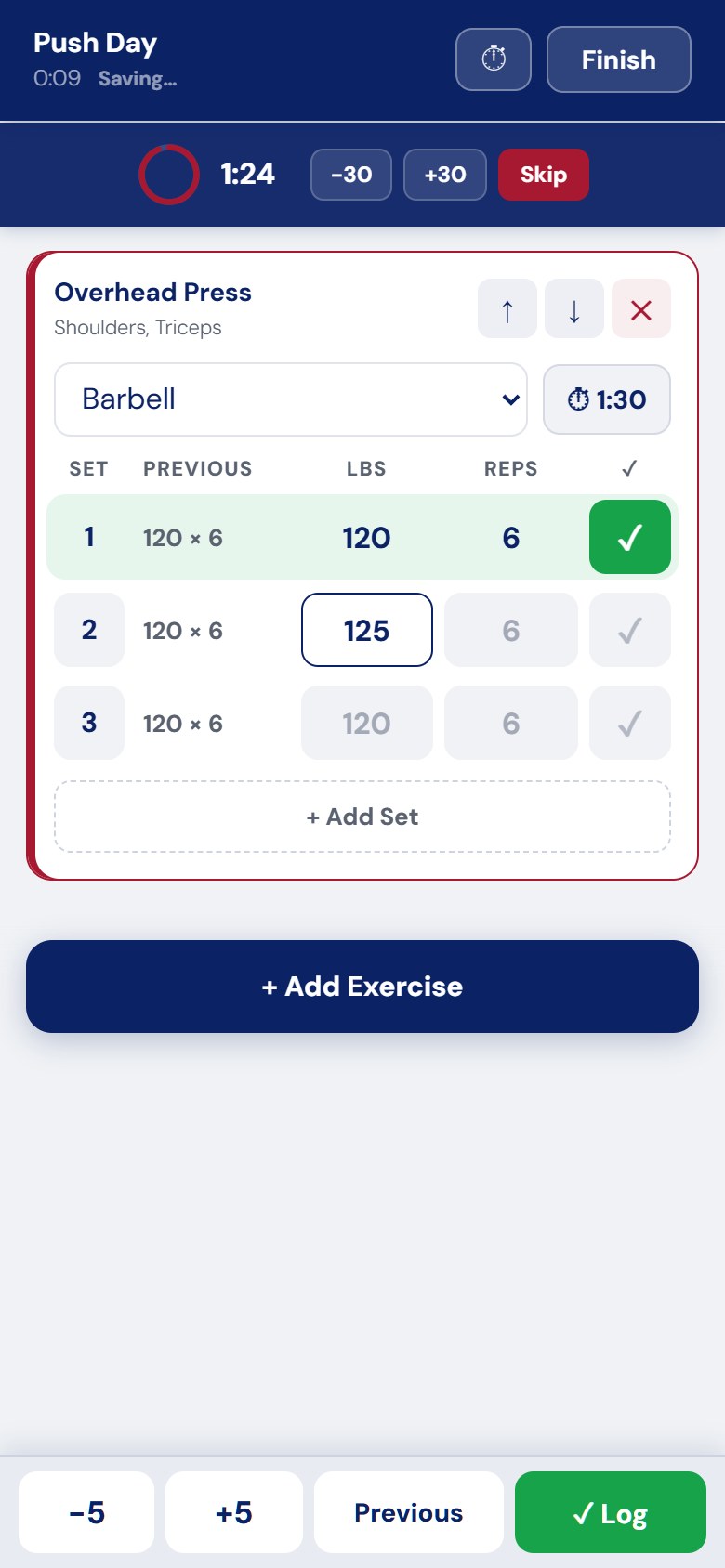
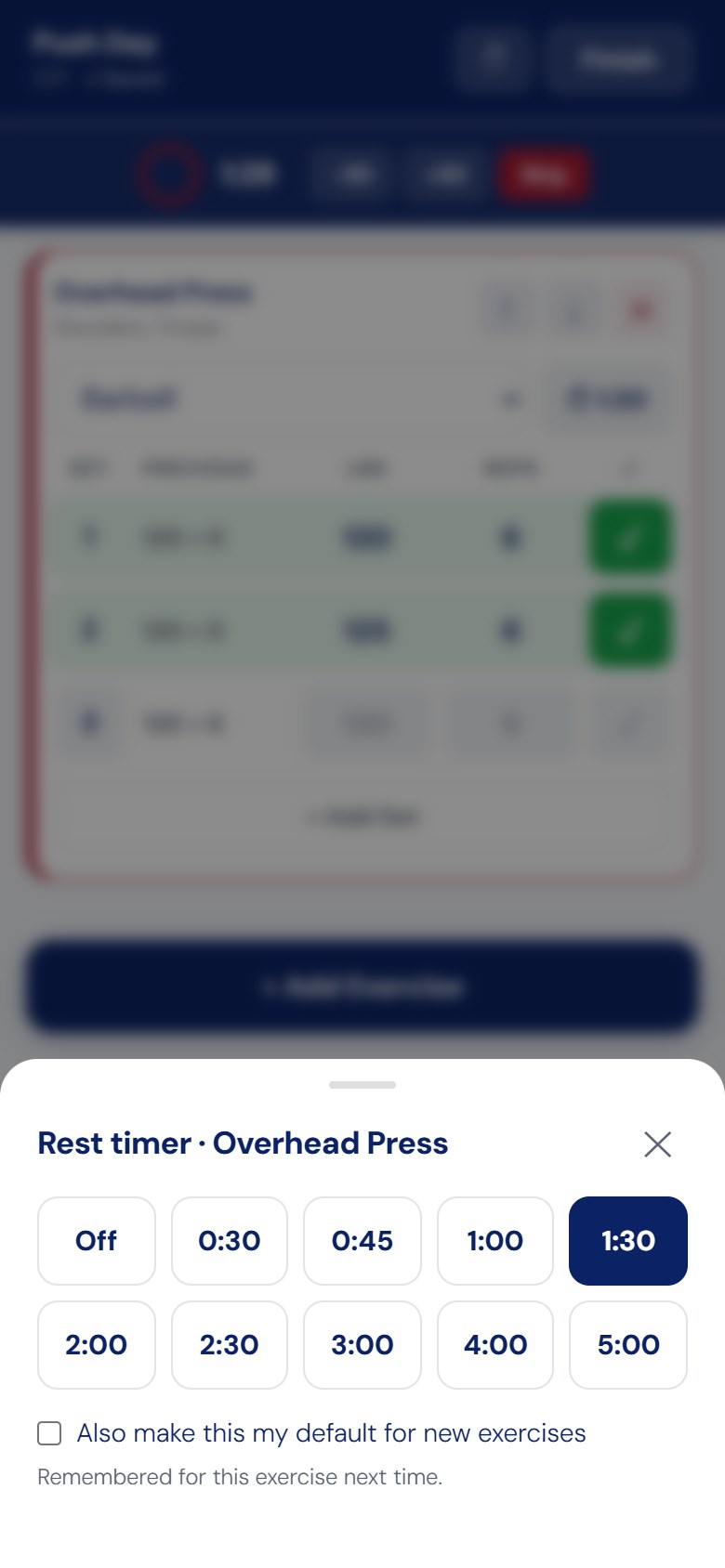
A rest timer that respects your workout Every logged set kicks off a circular rest timer that sits quietly at the top of the screen without covering your exercises. Add 30 seconds, drop 30, or skip it entirely with one tap. No pop-ups, no lost place, no fumbling.
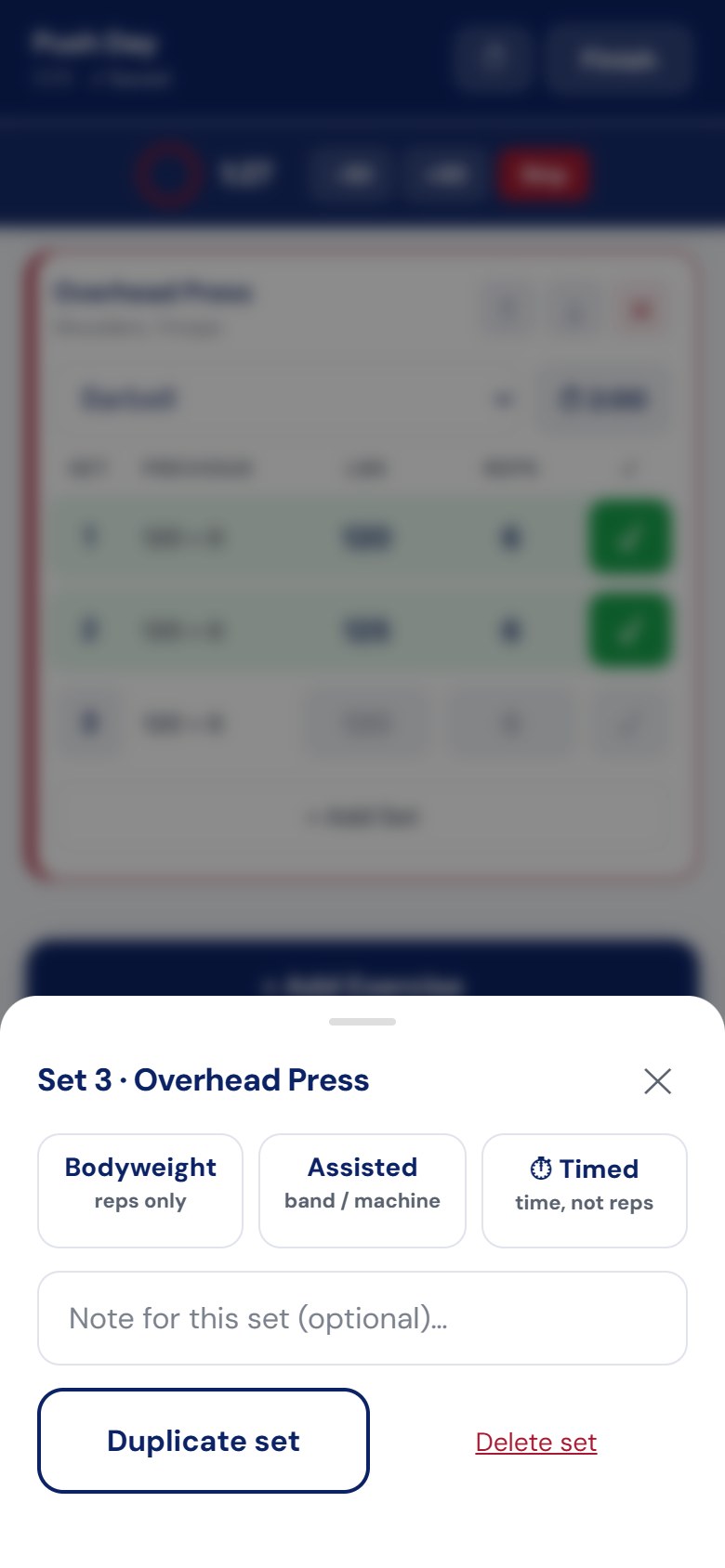
Two-tap set logging The set sheet slides up with big number pads for weight and reps. Toggle Reps Only for bodyweight movements, Assisted for machine-assisted sets, or Timed for anything held or timed. Add a quick note if you hit a PR. Stretch sessions swap in hold time and sides (both, left, right, or each).
“Last time” suggestions built in When you log a set, Active Workout Mode shows what you did last time on that exercise, so you always know the number to beat. Tap Use to carry it over, then push for one more rep or a little more weight.
Add exercises on the fly No need to plan the whole session up front. Tap Add Exercise any time to search the full 400+ library or browse by Chest, Back, Legs, Shoulders, Arms, Core, Glutes, and more. Build the workout as your body tells you to.
A real full-screen app, on your own site When you open your Active Workout page, LiftPress renders a clean, distraction-free, app-style screen. No theme clutter, no admin bar, sized for modern phones right down to the notch. It feels like a native gym app because it behaves like one, and it is all yours.
It finishes the paperwork for you The finish screen captures how the session felt: a quick mood pick, recovery sliders for soreness, energy, and stress, optional notes, and a YouTube vlog URL. Save and publish, and it flows straight into your journal with all your other entries.
Pick up where you left off Already logged part of your day? Add onto an existing workout and keep going, so a morning lift and an evening circuit live together in one clean entry.
Built to work with LiftPress
Active Workout Mode is a companion add-on for the LiftPress fitness journal plugin. It reads your exercise library, respects your weight unit (lbs or kg), and writes to the same journal, profile, and progress tools you already use. Install it, drop the [liftpress_active_workout] shortcode on a page, and you are ready to train.
Requires the LiftPress plugin to be installed and active.
Who it is for
- Lifters who want to log every set the moment it happens, not from memory that night.
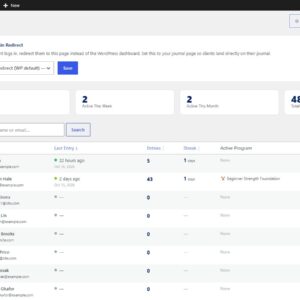
- Coaches and studios who want to give clients a real in-gym logging experience under their own brand.
- Content creators who want to capture the session and attach the vlog in the same flow.
Pricing
One-time purchase. No subscription. Free updates delivered straight to your WordPress dashboard through the built-in updater.
FAQ
Do I need the main LiftPress plugin?
Yes. Active Workout Mode extends LiftPress and will show a reminder if the main plugin is not active.
Does it work on my phone?
That is exactly what it is built for. The whole interface is designed for one-handed, mid-workout use on a phone, full screen and thumb friendly.
Where does my workout go when I finish?
Into your LiftPress journal as a normal entry, complete with your sets, mood, recovery, notes, and optional vlog. It shows up in your history and progress charts like anything else you log.
Can I log stretching and circuits, not just lifting?
Yes. Pick Strength, Circuit, or Stretch at the start, and the logging fields adapt, including hold times and sides for stretches.
Does it get updates?
Yes. It uses the same self-hosted auto-updater as LiftPress, so new versions arrive in your dashboard automatically.


Reviews
There are no reviews yet.